Mobile Proxies vs Residential Proxies: Detection Rates
Last updated: 2026-02-15
Quick Definition
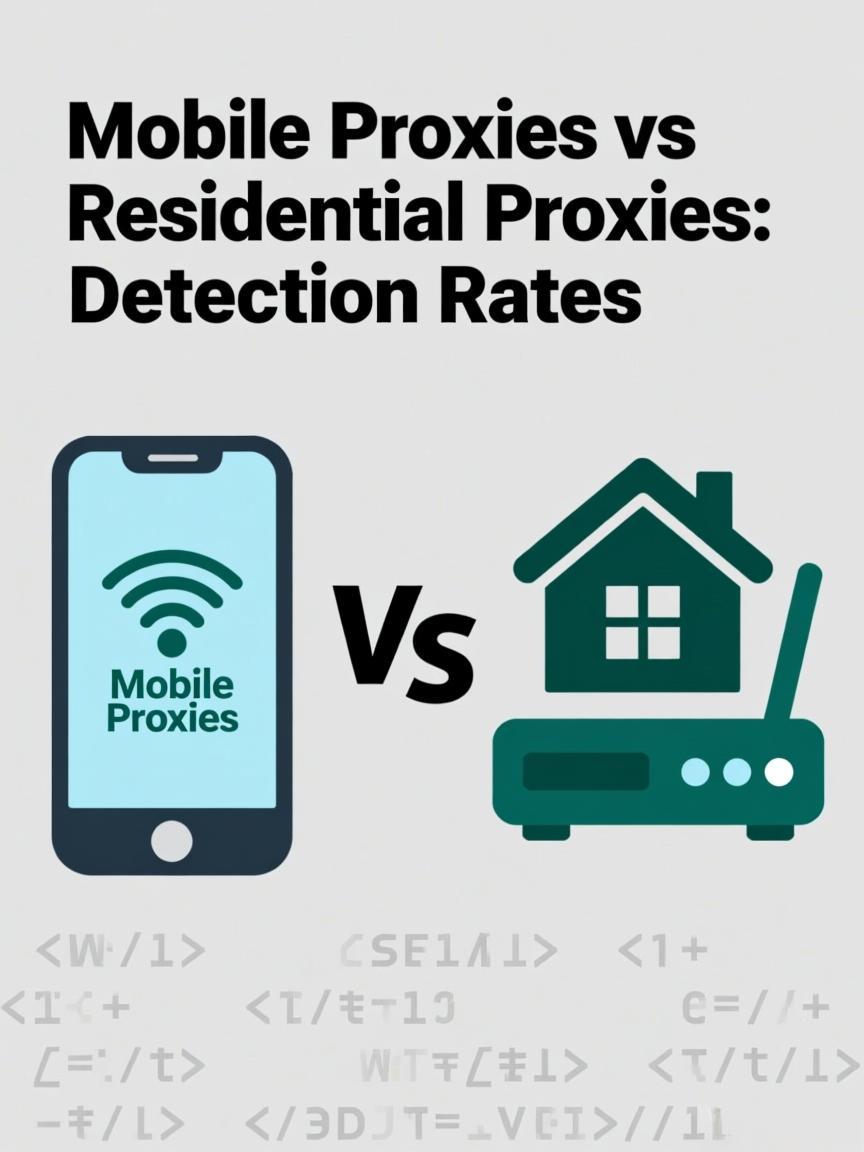
Mobile proxies route traffic through 4G/5G cellular connections with IP addresses assigned by mobile carriers. Residential proxies use fixed-line ISP connections from home broadband users. While both proxy types carry high trust as "real user" IPs, mobile proxies offer unique advantages: carrier-grade NAT means thousands of users share each IP, making individual blocking impractical, and mobile IPs naturally rotate as devices move between cell towers.
How Each Type Works
Mobile Proxy Architecture:
┌─────────────────────────────────────────────────────────────────┐
│                                                                 │
│ Your Request → Mobile Gateway → 4G/5G Device → Cell Tower → Web │
│                                                                 │
│ Key Characteristics:                                            │
│ ├── IP assigned by mobile carrier (AT&T, Verizon, T-Mobile)     │
│ ├── Uses CGNAT - thousands of users behind one IP              │
│ ├── IP changes when device reconnects or moves                  │
│ ├── ASN: Mobile carrier (e.g., AS7018 AT&T Mobility)           │
│ └── Highest trust level in proxy classification                 │
│                                                                 │
│ CGNAT Example:                                                  │
│ Public IP: 166.137.xxx.xxx (AT&T)                              │
│ ├── User A (phone) → private IP 100.64.1.23                     │
│ ├── User B (tablet) → private IP 100.64.1.45                    │
│ ├── User C (proxy) → private IP 100.64.1.67                     │
│ └── User D (IoT) → private IP 100.64.1.89                       │
│                                                                 │
│ All share same public IP - blocking affects real users          │
│                                                                 │
└─────────────────────────────────────────────────────────────────┘

Residential Proxy Architecture:
┌─────────────────────────────────────────────────────────────────┐
│                                                                 │
│ Your Request → Residential Gateway → Home Router → ISP → Web    │
│                                                                 │
│ Key Characteristics:                                            │
│ ├── IP assigned by fixed-line ISP (Comcast, Spectrum, BT)       │
│ ├── Usually 1 IP per household (or small NAT)                   │
│ ├── IP changes rarely (DHCP lease renewal, router restart)      │
│ ├── ASN: Consumer ISP (e.g., AS7922 Comcast)                   │
│ └── High trust, but less than mobile                            │
│                                                                 │
│ Typical Setup:                                                  │
│ Public IP: 73.45.xxx.xxx (Comcast)                             │
│ └── Single household with 5-10 devices                          │
│                                                                 │
└─────────────────────────────────────────────────────────────────┘
Feature Comparison
| Feature | Mobile Proxies | Residential Proxies |
|---|---|---|
| IP Source | 4G/5G mobile carriers | Fixed-line home ISPs |
| NAT Type | CGNAT (thousands share IP) | Home NAT (one household) |
| Trust Level | Highest (unblockable) | High |
| Detection Risk | Extremely low | Low |
| IP Pool Size | Smaller (carrier-limited) | Large (millions of homes) |
| IP Rotation | Natural (cell reconnection) | Requires gateway rotation |
| Speed | Variable (4G: 10-50Mbps typical) | Variable (broadband speeds) |
| Cost | $15-50 per GB | $5-15 per GB |
Detection Resistance Comparison
| Detection Method | Mobile | Residential |
|---|---|---|
| IP Blacklisting | Impractical (blocks real users) | Possible per-IP |
| ASN Blocking | Never (legitimate carrier) | Rarely (legitimate ISP) |
| IP Database Lookup | Classified as mobile | Classified as residential |
| Concurrent Users | Expected (CGNAT) | Suspicious if many |
| Geographic Consistency | Expected to move | Expected to be stable |
| Browser Fingerprint Match | Mobile UA expected | Desktop/mobile both normal |
Verify your proxy classification using the IP Checker. Test your user agent configuration with the User Agent Generator.
Use Case Comparison
| Use Case | Recommended | Reason |
|---|---|---|
| Social media automation | Mobile | Platforms expect mobile users; CGNAT protection |
| Account creation | Mobile | Highest trust for new signups |
| Sneaker sites | Mobile | Strictest anti-bot needs strongest IPs |
| High-volume scraping | Residential | Cost-effective for bandwidth-heavy tasks |
| Price monitoring | Residential | Good enough trust at lower cost |
| Ad verification | Both | Mobile for apps, residential for web |
| E-commerce research | Residential | Adequate trust, better value |
| Heavily protected targets | Mobile | Last resort when residential fails |
Cost Analysis
Price Comparison (2026 Market Rates):
─────────────────────────────────────────────────────────────────

Mobile Proxies:
├── Per GB: $15-50 (3-5x residential cost)
├── Per port/month: $50-150 (dedicated mobile line)
├── Premium tiers: $80+ per GB for specific carriers
└── Why expensive: Limited carrier IPs, data plan costs

Residential Proxies:
├── Per GB: $5-15
├── Bulk discounts: $3-8 per GB at volume
├── Unlimited plans: $300-1000/month (bandwidth caps)
└── Why cheaper: Larger peer networks, lower infrastructure cost

─────────────────────────────────────────────────────────────────

When Mobile Cost is Justified:
┌─────────────────────────────────────────────────────────────────┐
│ ✓ Target value exceeds proxy cost (sneakers, limited drops)    │
│ ✓ Residential IPs are getting blocked                          │
│ ✓ Account creation at scale (reduces ban losses)               │
│ ✓ Mobile-first platforms (Instagram, TikTok)                   │
│ ✗ NOT justified for general scraping (waste of money)          │
└─────────────────────────────────────────────────────────────────┘
FAQ
Why can't websites block mobile proxy IPs?
Mobile carriers use CGNAT (Carrier-Grade NAT), meaning thousands of legitimate users share each public IP address. Blocking a mobile IP would block thousands of real customers—including paying users—causing unacceptable collateral damage. Websites are forced to tolerate traffic from mobile IPs.
Should I use a mobile user agent with mobile proxies?
For maximum authenticity, yes. A mobile IP with a desktop browser fingerprint is technically possible (tethering) but can appear suspicious to sophisticated detection. Match your user agent to the proxy type: mobile UA for mobile proxies, desktop UA for residential proxies from broadband ISPs.
How do mobile proxies rotate IPs?
Mobile IPs naturally change when the device reconnects to the network—simulating airplane mode toggle, network reset, or physical movement between cell towers. Some providers automate this rotation on schedule. Unlike residential rotation which switches between peer devices, mobile rotation triggers new IP assignment from the carrier's pool.
Are mobile proxies faster than residential?
It depends. 4G connections typically provide 10-50 Mbps, while 5G can exceed 100 Mbps. Home broadband (residential) can range from 25 Mbps to 1 Gbps depending on the connection type. Latency on mobile is often higher due to cellular network overhead. For speed-critical tasks, residential from fiber connections may outperform mobile.
Can I use mobile proxies for desktop-based tasks?
Yes, though it's less optimal. Many people browse desktop sites via mobile tethering, so it's not inherently suspicious. However, you lose some of the authenticity advantage. Use mobile proxies for mobile-first platforms (Instagram, TikTok) and residential for general desktop browsing to optimize spend.
Why are mobile proxy pools smaller than residential?
Mobile proxies require physical SIM cards and mobile devices connected to carrier networks. Residential proxies can leverage millions of home users through SDKs in popular apps. The infrastructure cost and complexity of maintaining mobile proxy networks limits scale compared to residential peer networks.
Related Tools
- IP Checker - Verify mobile vs residential IP classification
- User Agent Generator - Generate matching mobile user agents
- Proxy Tester - Test proxy connectivity and speed
Ready to start scraping?
Get access to millions of residential proxies across 195+ countries. Instant activation.
Get Started Now