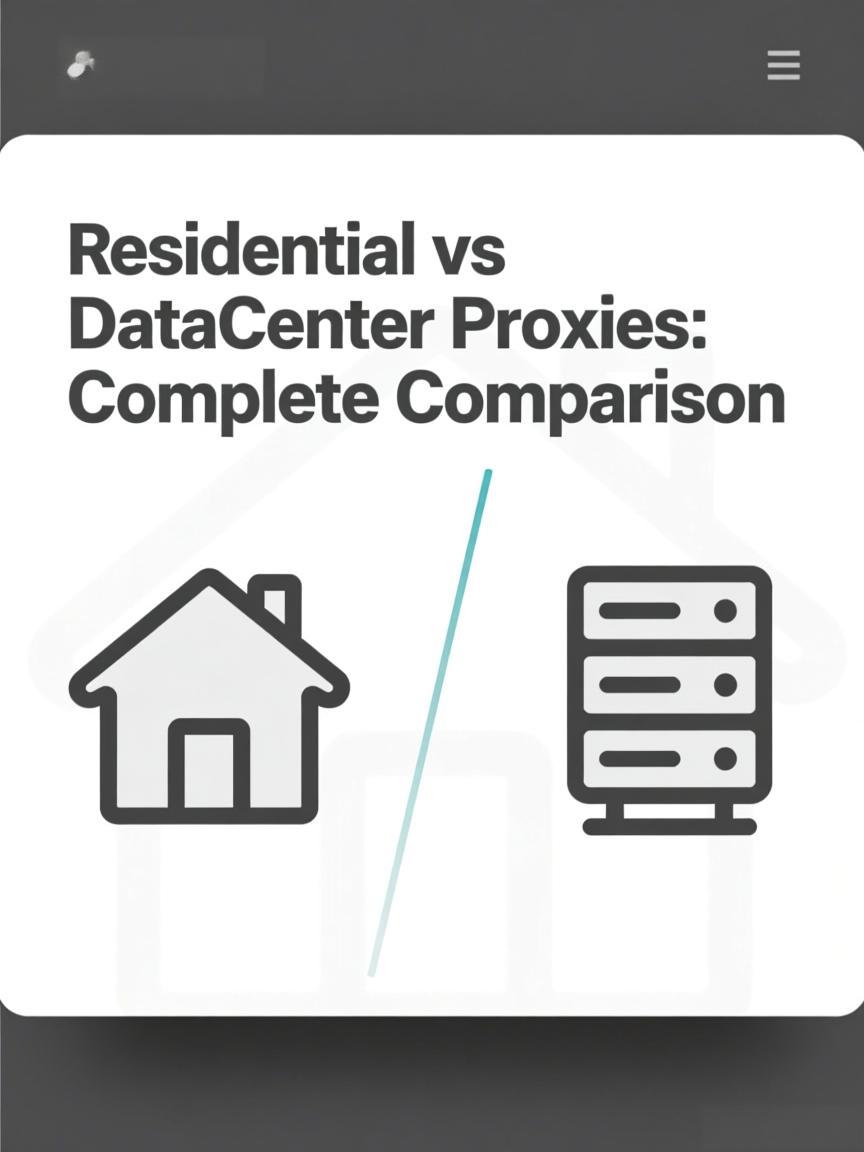
Residential vs Datacenter Proxies: Complete Comparison
Last updated: 2026-02-02
Quick Definition
Residential proxies use IP addresses assigned by ISPs to home users, appearing as regular consumer internet connections. Datacenter proxies use IPs from commercial data centers with no ISP affiliation. The fundamental difference lies in how target websites perceive and trust each IP type—residential IPs blend with normal traffic, while datacenter IPs are easily identified as non-consumer infrastructure.
How Each Type Works
Residential Proxy Architecture:
┌─────────────────────────────────────────────────────────────────┐
│                                                                 │
│ Your Request → Residential Gateway → Home Device → Target      │
│                                                                 │
│ IP Characteristics:                                             │
│ ├── Assigned by ISP (Comcast, AT&T, BT, etc.)                   │
│ ├── Registered to residential address                          │
│ ├── ASN belongs to consumer ISP                                 │
│ ├── Appears in IP databases as "residential"                   │
│ └── Shared with real user traffic                               │
│                                                                 │
│ Example: 73.45.167.89                                           │
│ ├── ASN: AS7922 (Comcast Cable Communications)                  │
│ ├── Type: Residential                                           │
│ ├── Location: Philadelphia, PA, US                              │
│ └── Trust Level: High                                           │
│                                                                 │
└─────────────────────────────────────────────────────────────────┘

Datacenter Proxy Architecture:
┌─────────────────────────────────────────────────────────────────┐
│                                                                 │
│ Your Request → Datacenter Server → Target                       │
│                                                                 │
│ IP Characteristics:                                             │
│ ├── Assigned by hosting provider                                │
│ ├── Registered to commercial entity                             │
│ ├── ASN belongs to datacenter/cloud provider                    │
│ ├── Appears in IP databases as "datacenter/hosting"            │
│ └── Not associated with consumer traffic                        │
│                                                                 │
│ Example: 198.51.100.45                                          │
│ ├── ASN: AS14061 (DigitalOcean)                                 │
│ ├── Type: Datacenter/Hosting                                    │
│ └── Trust Level: Low for consumer sites                         │
│                                                                 │
└─────────────────────────────────────────────────────────────────┘
Feature Comparison
| Feature | Residential Proxies | Datacenter Proxies |
|---|---|---|
| IP Source | ISP-assigned to homes | Cloud/hosting providers |
| ASN Type | Consumer ISP (Comcast, Verizon) | Commercial (AWS, DigitalOcean) |
| Detection Rate | Low (blends with real users) | High (easily identified) |
| Speed | Variable (depends on peer connection) | Consistent, high-speed |
| Latency | Higher (routing through homes) | Lower (direct datacenter connection) |
| Cost | $5-15 per GB | $0.50-3 per IP/month |
| Pool Size | Millions (rotating pools) | Thousands (dedicated or shared) |
| Stability | Peers go offline randomly | 99.9% uptime typical |
Detection and Trust Levels
| Detection Method | Residential | Datacenter |
|---|---|---|
| ASN Classification | Passes (ISP ASN) | Fails (hosting ASN flagged) |
| IP Database Lookup | Listed as residential | Listed as datacenter/proxy |
| Reverse DNS | ISP naming (cable.comcast.net) | Provider naming (*.digitalocean.com) |
| IP Range Analysis | Mixed with consumer traffic | Sequential hosting blocks |
| Behavioral Analysis | Depends on usage patterns | Often blocked preemptively |
Check how target websites classify your proxy IP using the IP Checker. Test connectivity and response times with the Proxy Tester.
Use Case Comparison
| Use Case | Recommended | Reason |
|---|---|---|
| Sneaker sites | Residential | Strict anti-bot, datacenter IPs blocked |
| Social media | Residential | Platform flags datacenter ASNs |
| Ticketing sites | Residential | Heavy datacenter IP blacklisting |
| SERP scraping | Both viable | Volume-dependent; residential for accuracy |
| General scraping | Datacenter (start) | Cost-effective for low-protection sites |
| API access | Datacenter | Speed and stability matter more |
| Speed testing | Datacenter | Consistent performance needed |
| Price monitoring | Residential | E-commerce sites block datacenter IPs |
Cost Analysis
Cost Comparison (Example Scenarios):
─────────────────────────────────────────────────────────────────

Scenario 1: Low-volume scraping (10,000 requests/day)
├── Residential: ~1GB/day × $8/GB = $240/month
├── Datacenter: 10 IPs × $2/IP = $20/month
└── Recommendation: Start with datacenter, switch if blocked

Scenario 2: Social media management (100 accounts)
├── Residential: ~5GB/month × $10/GB = $50/month
├── Datacenter: Likely blocked, not viable
└── Recommendation: Residential only

Scenario 3: Large-scale data collection (1M requests/day)
├── Residential: ~50GB/day × $6/GB = $9,000/month
├── Datacenter: 500 IPs × $1.50/IP = $750/month
└── Recommendation: Hybrid approach based on target sensitivity

─────────────────────────────────────────────────────────────────

Cost Optimization Strategy:
┌─────────────────────────────────────────────────────────────────┐
│ 1. Test with datacenter first (cheapest)                        │
│ 2. If blocked → switch to residential                           │
│ 3. For mixed targets → use both based on site sensitivity       │
│ 4. Monitor block rates and adjust ratio                         │
└─────────────────────────────────────────────────────────────────┘
FAQ
Why are residential proxies more expensive than datacenter?
Residential IPs are sourced from real ISP customers who opt into peer networks, requiring revenue sharing. The infrastructure to route through millions of home connections is complex. Datacenter IPs are simply server addresses with minimal overhead—a single server can host hundreds of IPs at low cost.
Can websites always detect datacenter proxies?
Most sophisticated sites can detect datacenter IPs through ASN databases and IP classification services. However, smaller sites without anti-bot protection may not check. Sites like Google, Amazon, and social platforms actively block known datacenter IP ranges.
Are residential proxies slower than datacenter?
Generally yes. Residential traffic routes through home internet connections with variable speeds and higher latency. Datacenter proxies connect directly from high-bandwidth servers. For latency-sensitive tasks, datacenter proxies typically perform better—if the target accepts them.
Should I use residential or datacenter for web scraping?
It depends on the target. For basic sites without bot protection, datacenter proxies are cost-effective. For e-commerce, social media, or any site with serious anti-bot measures, residential proxies are necessary. Start with datacenter and escalate to residential if you encounter blocks.
Can datacenter IPs become residential?
No. IP classification is based on the ASN owner—ISPs own residential IPs, hosting companies own datacenter IPs. Some providers offer "ISP proxies" (static residential) which are datacenter-hosted IPs registered under ISP ASNs, combining benefits of both.
Do residential proxies guarantee no blocks?
No. While residential IPs have higher trust, aggressive behavior (high request rates, bot-like patterns) can still trigger blocks. Behavioral detection, browser fingerprinting, and CAPTCHA challenges apply regardless of IP type. Residential IPs reduce IP-based blocking but don't eliminate all detection.
Related Tools
- IP Checker - Verify if your IP is classified as residential or datacenter
- Proxy Tester - Compare speed and reliability between proxy types
- DNS Lookup - Check reverse DNS patterns for IP classification
Ready to start scraping?
Get access to millions of residential proxies across 195+ countries. Instant activation.
Get Started Now